Instructional Design
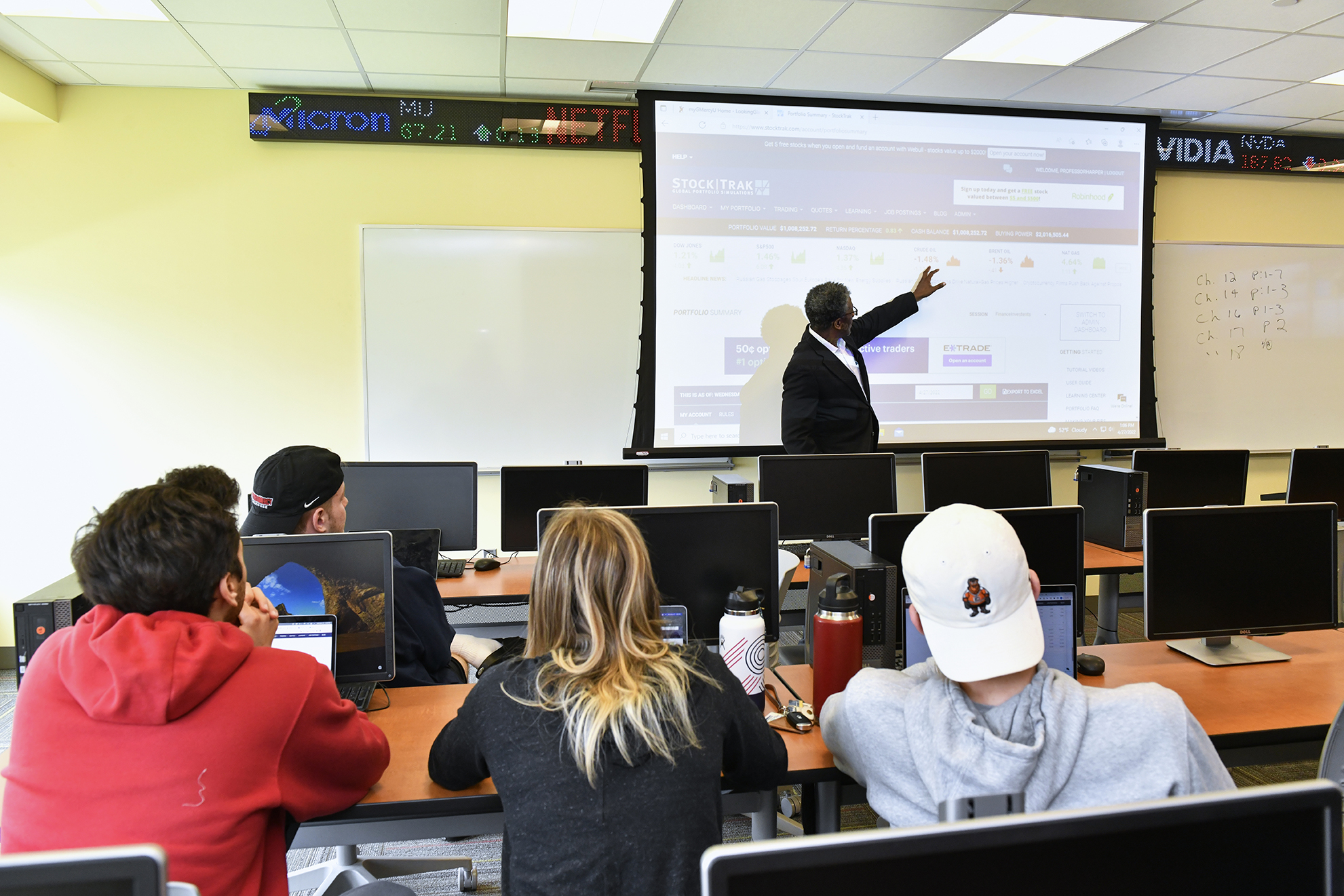
As a learning community, our faculty are challenged to explore, incorporate, and become proficient in innovative, technology-enriched best practices for teaching and learning.
Our Instructional Design team works closely with faculty to design and enrich learning at GMercyU using up-to-date research on instructional design, universal design learning, instructional best practices, and educational technology.
The ID team is a part of Academic Affairs and works hand-in-hand with ITS to provide support for quality teaching and learning technology tools, resources, pedagogical approaches, and academic assistance to instructors. Faculty members are trained in and encouraged to use a variety of approaches and tools for both online and face-to-face instruction.
Faculty and Staff Resources
The ID team offers a variety of support, tools, and technology for faculty and staff, which can be found on our internal Sharepoint site: https://gmercyu.sharepoint.com/sites/EducationalDesignandEffectiveness/SitePages/Instructional-Design-&-Technology.aspx
Below is a list of our offerings and services:
- Course Design & Revision
- Curriculum Design & Revision
- Custom Digital Interactions & Multimedia
- Current Trends in Universal Design Learning
- Instructional Best Practices
- Educational Technology
- Training & Professional Development
- Assessment & Accreditation Implementation
Learn More
Meet the Team
 Alex Weiss
Lead Instructional Designer
weiss.a@gmercyu.edu
267-635-2881 ext. 21246
University Hall E218

Jennifer Hummel
Instructional Designer
hummel.j@gmercyu.edu
267-635-2881 ext. 21581
University Hall E217
 Jessica Valimont
Junior Instructional Designer
valimont.j@gmercyu.edu
267-635-2881 ext. 21705
University Hall E216
Training is conducted regularly throughout the year in both group sessions and one-on-one meetings covering a wide variety of topics.
To learn more about the training topics we offer or to schedule a group training, click here.
If you're more of an independent learner, browse the full list of self-serve tutorials and guides.
Educational technologies are used to support classroom instruction and professional development.
- Canvas (Learning Management System)
- Kaltura Canvas, Kaltura Classroom and Kaltura Mediaspace
- Grammarly
- Turnitin Similiarity
- Academic Video Online (AVON)
- BrainFuse
- EBSCOhost Connect
- Lucid Chart and Lucid Spark
- Merlot Collection
- Zoom (classroom integration)
If you need assistance please visit our site here.
Visit the Student Resources site for help with Canvas, Microsoft office, GMercyU Portal, and more.
Need tech support? See GMercyU's IT Resources here.